 MYNA
1 / 5
The MYNA Box joins your company.
Connect the Box to power and your network. MYNA gets started right where you work.
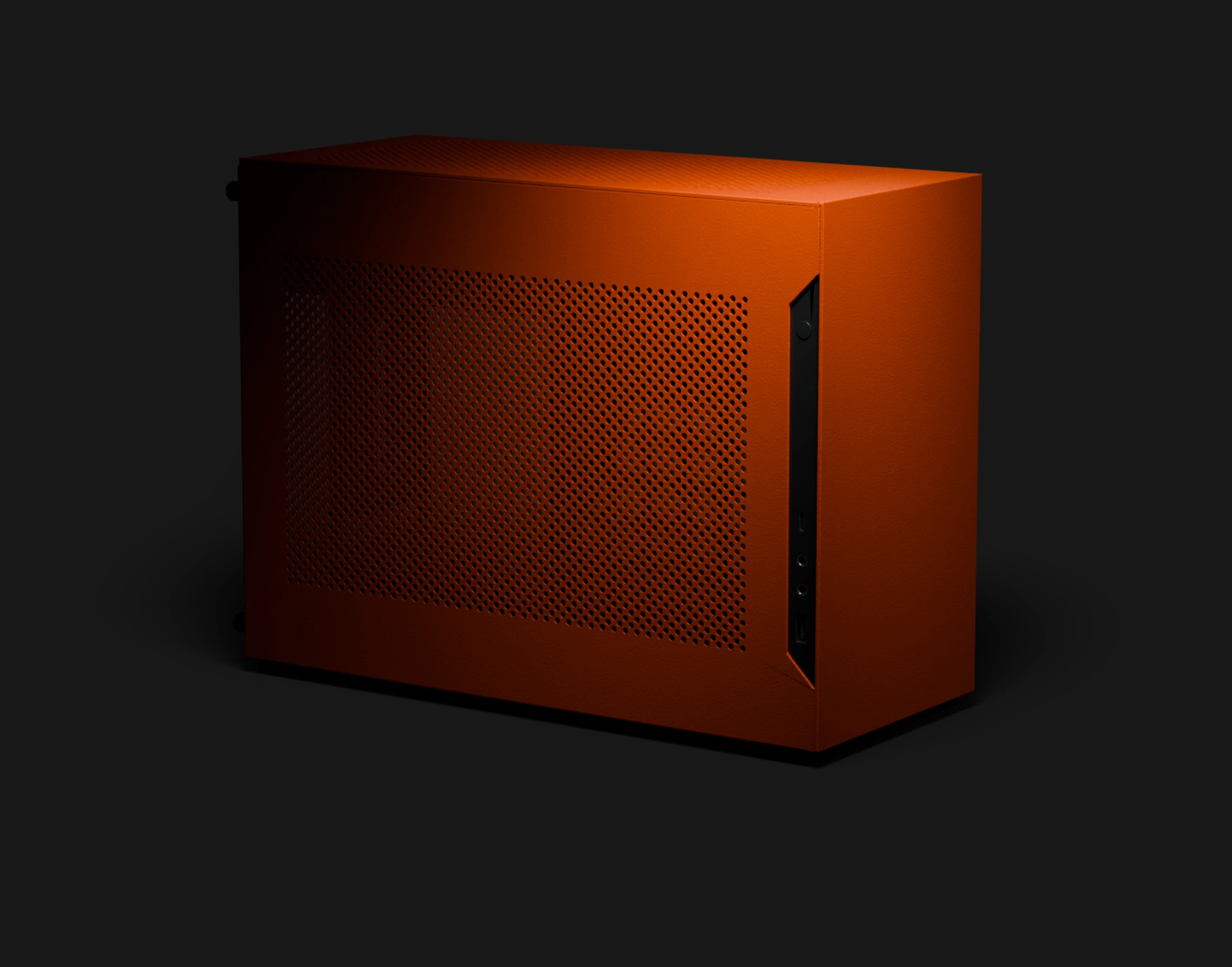
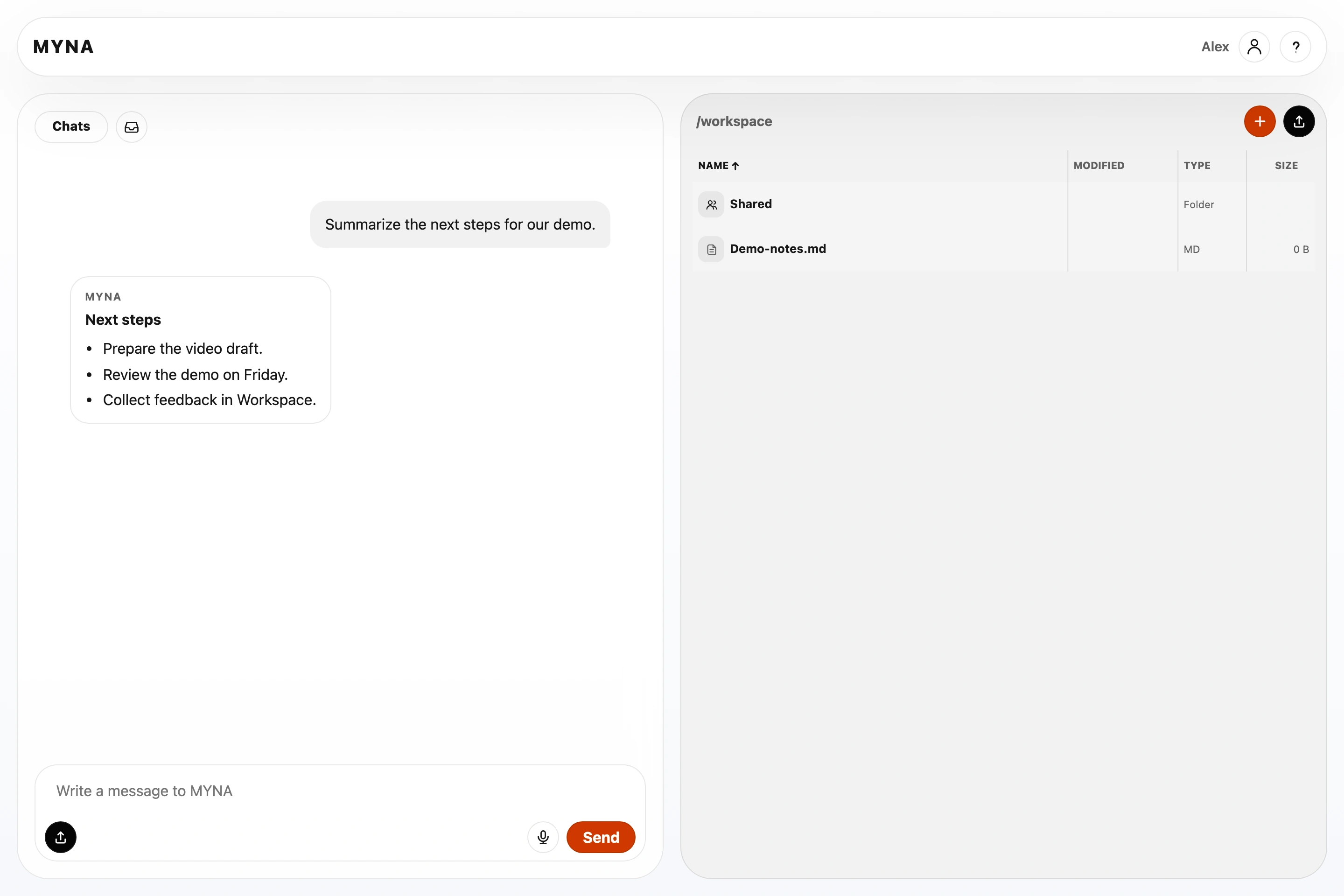
MYNA Solution combines the MYNA Box for local AI processing with the MYNA App, where your team works with the assistant in a browser or on the desktop. Conversations and connected files build your MYNA Workspace: a shared picture of your company’s knowledge, tasks and workflows.
MYNA uses this context to recommend and set up supported automations. Available connections depend on your systems, interfaces and access permissions. In a fully local setup, data and AI processing stay on your premises; external software or cloud services may involve additional data processing.
Connect the Box to power and your network. MYNA gets started right where you work.
By talking with your employees, MYNA learns who does what, which tools they use and where work gets held up.
How does your team work?
We process orders and prepare quotes.
Those conversations become your MYNA Workspace: a shared picture of your business, with a task map spanning every department.
Based on those tasks, MYNA recommends relevant connections to your software and specific automations.
Customer follow-ups
Connect the CRM
Automate follow-ups
MYNA connects supported tools and sets up the workflows they support. Available connections depend on your systems and access permissions. Your assistant uses its knowledge of your work to help with these tasks.
MYNA connects the workflow
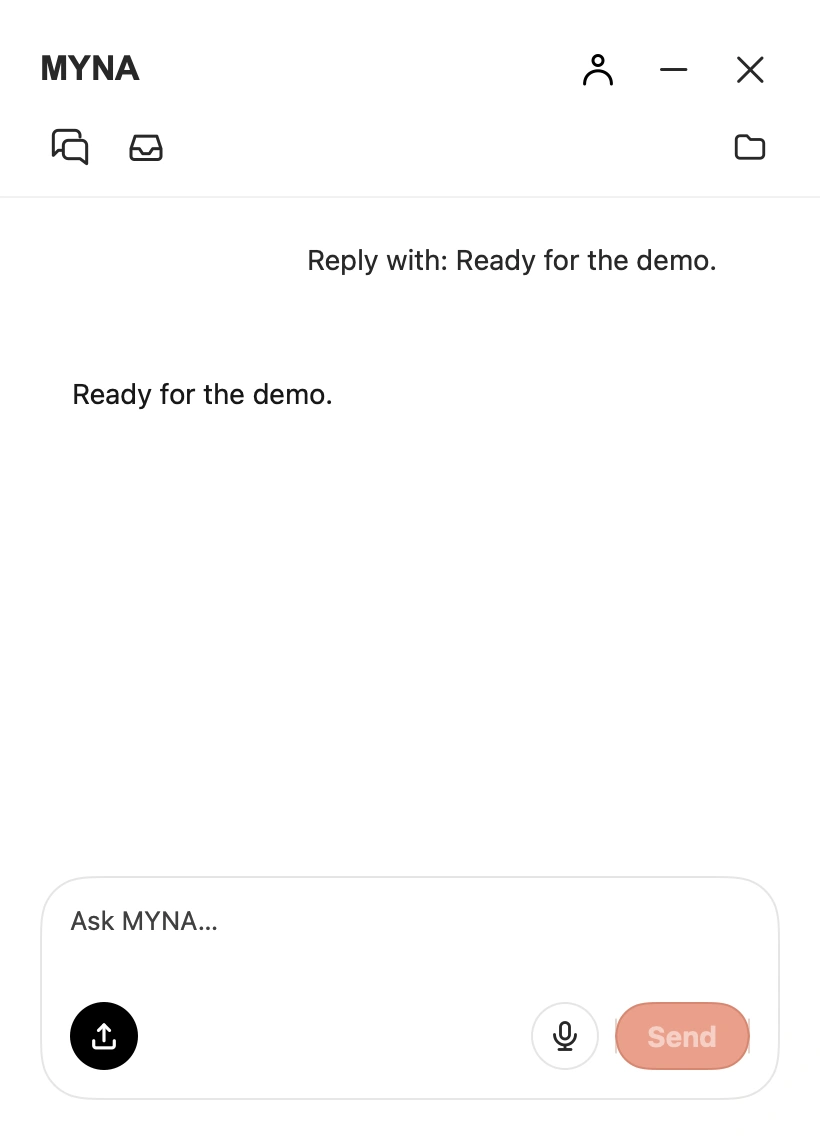
In your browser or the desktop app for macOS, Windows and Linux.
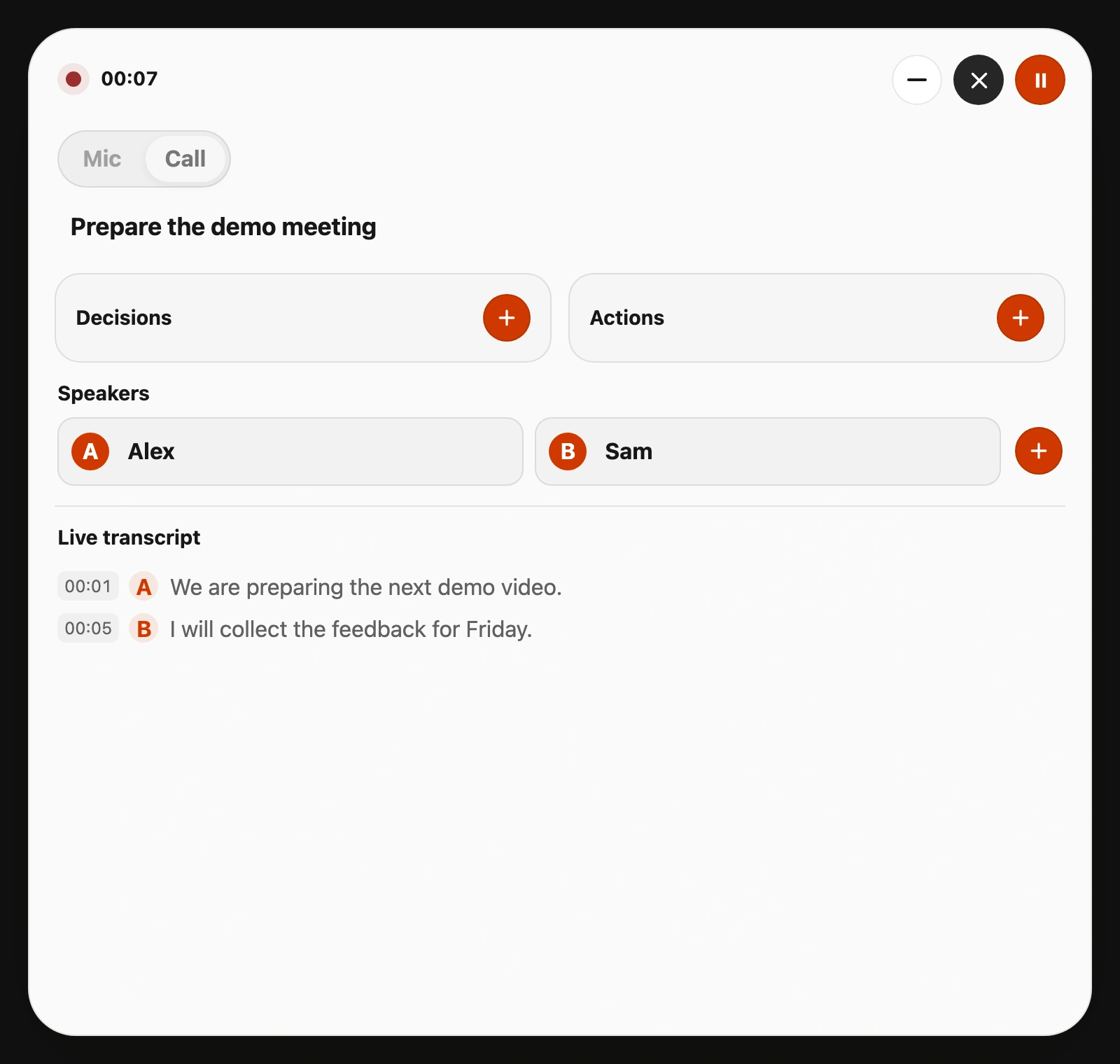
Record meetings in MYNA and work through them afterwards with your assistant.
Share what is on your screen and get help with the task in front of you.
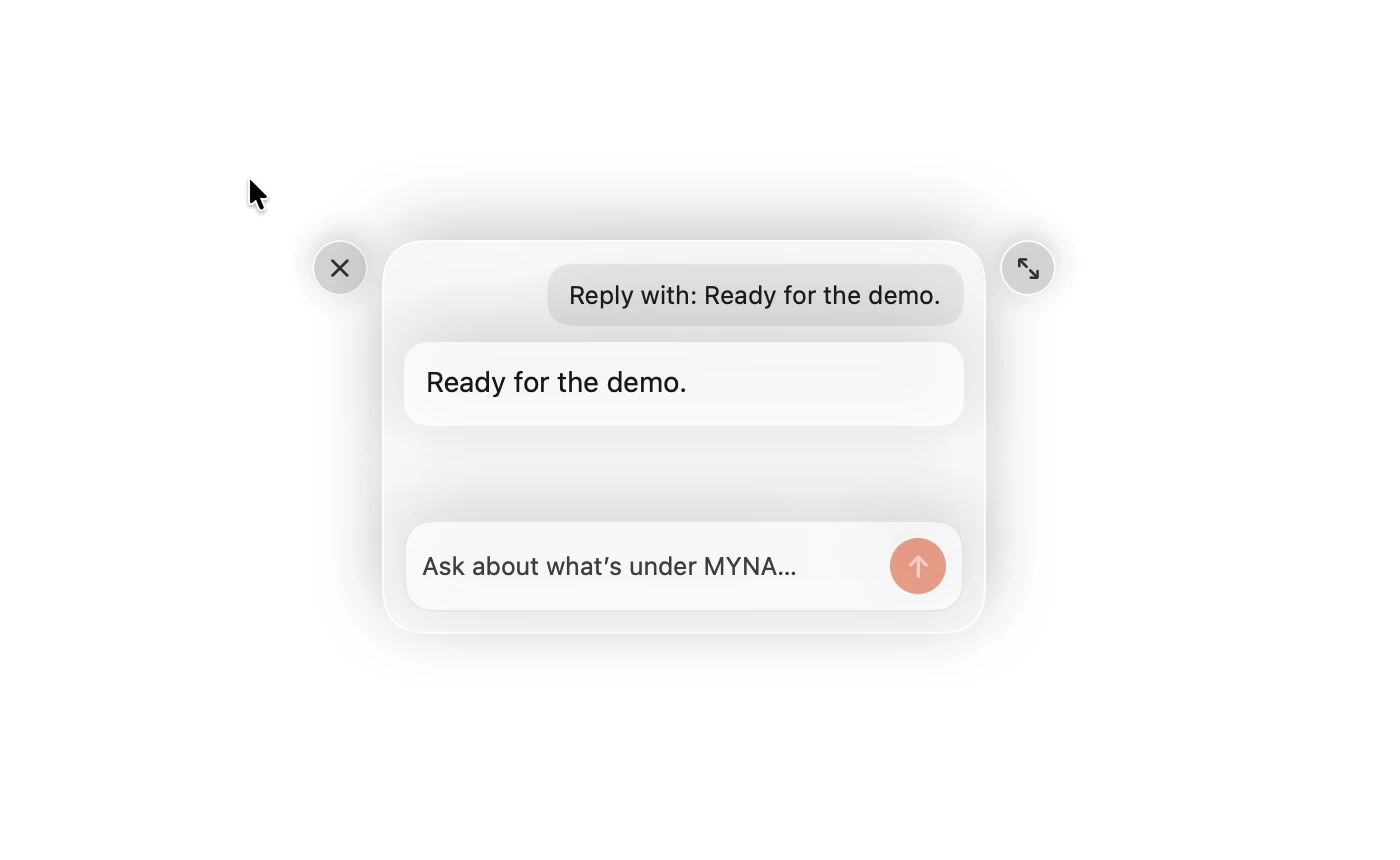
Set reminders and schedule tasks for your assistant to run regularly.
What is included?
One form factor, three performance tiers. Rent hardware and software together or buy the box and subscribe to MYNA software monthly. Prices include VAT; delivery is included.
Unlimited user accounts on every tier. The recommendations reflect expected simultaneous usage; there are no per-seat or per-token charges.
These prices cover the MYNA product. Custom data preparation, integrations and support are scoped separately.
Connect the preconfigured Box to power and your network, sign in and set up access for your team. MYNA then starts getting to know your business by talking to your employees.
You can use MYNA to summarise readable PDF documents and ask questions about their contents. In a fully local setup, sensitive documents and their AI processing stay on your premises. For scanned, protected or hard-to-read PDFs, we first check how the text can be made reliably accessible. Check the results against the originals.
For tasks such as drafting text, asking questions about documents and summarising information, MYNA can provide a local alternative to a cloud chat. The MYNA Box runs a local language model (local LLM); ChatGPT itself does not run on the Box. Answer quality, speed and available features depend on the model and hardware. We assess suitability using your actual tasks.
MYNA can turn meetings and supplied voice messages into text locally, then prepare summaries or draft minutes. We confirm supported audio formats and how recordings can be transferred from your applications for your setup. Your team reviews the transcript, especially names, figures and decisions.
MYNA asks your employees about their tasks, the tools they use and the steps in their everyday work. It learns who does what, how tasks connect and where work gets stuck. You do not need to document your workflows first.
Your MYNA Workspace is the shared picture of your business that MYNA builds from these conversations. It includes a task map across the company: who handles each task, which software they use and how workflows connect. This knowledge is the basis for relevant recommendations and automations.
MYNA uses your task map to identify where AI can help. It recommends relevant connections to your software and concrete automations, then implements supported connections and workflows itself. Available connections depend on your systems, their interfaces and the access you provide.
No. The MYNA Solution is designed to get to know your business itself and work out the setup through conversations with your team. A workshop is not required beforehand. Additional personal support or custom integrations can be arranged separately.
With a fully local setup, your data and AI processing stay on your premises. If you connect external software or cloud services, data processing depends on those connections. Local AI processing does not mean that every connected application also runs locally.
Local AI processing on the Box can run within your local network. Connections to online services require access to those services. Model updates can be installed through a secure temporary VPN connection when needed. Required network access depends on your setup.
Yes. An API within your local network allows approved internal software to use the Box’s AI capabilities. Access can be managed with API keys. The service does not need to be publicly accessible.
Rent the complete system for CHF 399, CHF 699 or CHF 1,299 per month. Alternatively, buy the Box for CHF 2,999, CHF 4,499 or CHF 7,499 and add the MYNA subscription for CHF 30, CHF 75 or CHF 150 per month, respectively. All prices include VAT and delivery. We recommend the three tiers for 2, 5 or 10 concurrent users.
The all-in-one rental includes the Box, MYNA software and software updates. If you buy the Box, the ongoing subscription covers software and software updates. Custom data preparation, additional integrations, and support and maintenance for custom systems are agreed separately.
You can create unlimited user accounts, with no per-seat charge or token quota. Choose a tier based on how many people will use MYNA at the same time. Available compute, model size and workload affect throughput and response times.
With the purchase model, the hardware remains yours; the right to use MYNA software ends with the subscription. After backing up your data and completing the agreed reset, you can keep using the Box as a standard Linux computer. For the all-in-one rental, the offer sets out return and data-export arrangements.